Xiaomi Yi – GoPro Alternative
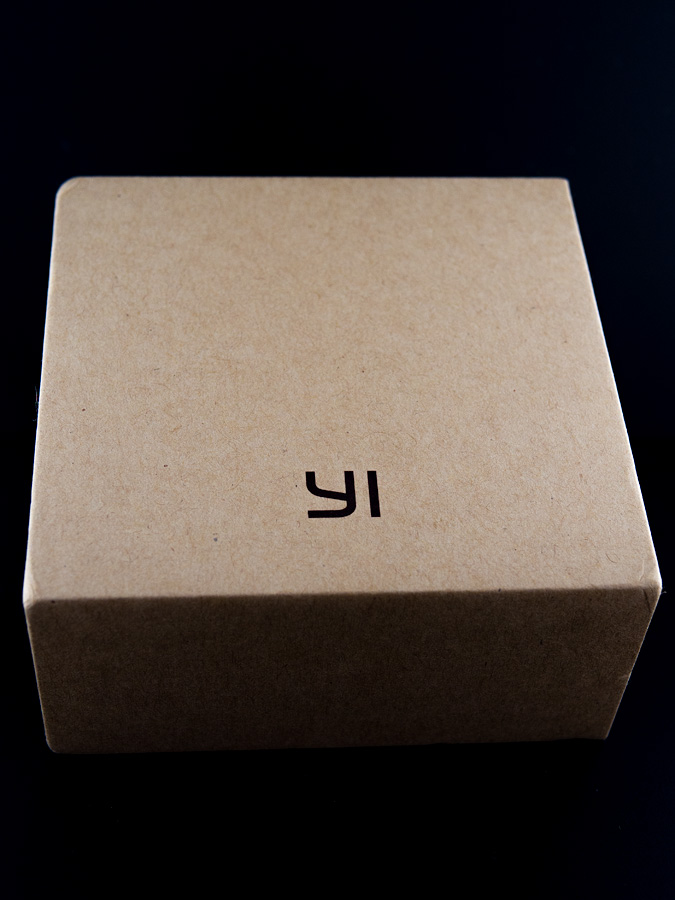
Back in April, a friend sent me a link to a new sports/action camera that had just been release from a Chinese company called Xiaomi. I knew of Xiaomi from their (low-cost) smartphone market and it looks like they are trying to do the same to the sports/action camera arena by releasing the Yi at a suggested retail price of $65 USD. The main specs include a Sony-made 16MB BSI CMOS sensor, with Ambarella A7LS chip, fast f2.8 wide-angle lense with 155-degree of view. Additional specs can be found here
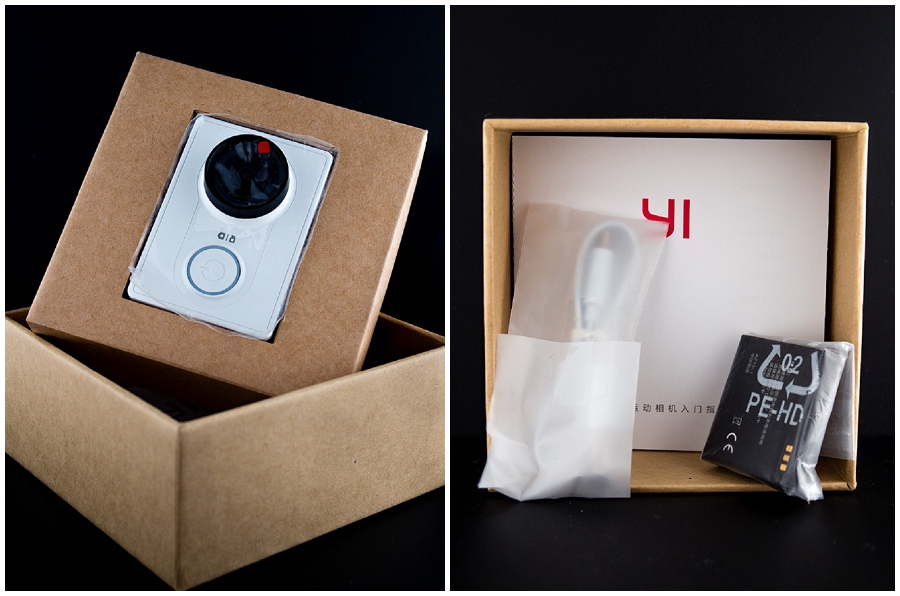
At that time, reviews were sparse but I wanted to know how it would compare against a GoPro Hero3, fast-forward 3 weeks and more reviews started pouring in, most of the reviews and videos I’ve seen have been positive, ranking it better than GoPro2 quality and just a notch below GoPro3.
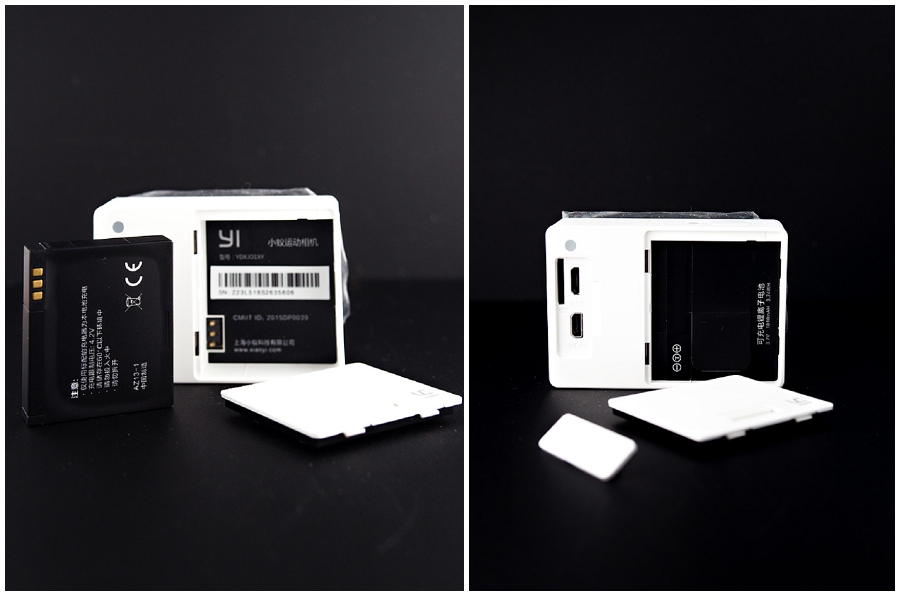
With that news, I thought it wouldn’t be a bad idea to get one just for fun. At the moment, the camera is mostly available in China. Fortunately, with eBay and also a crop of online stores based out of China like Gearbest, Banggood, GeekBuying, purchasing wasn’t so difficult.
Tip: In my experience, ordering from Banggood can take over a month to arrive, Gearbest arrived usually within 1-2 weeks. No experience buying from Geekbuying
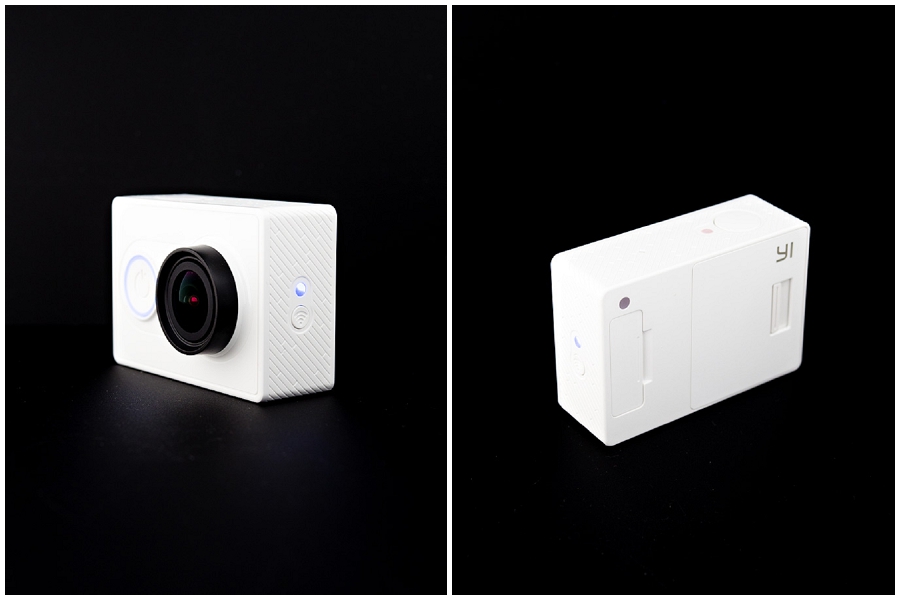
I was able to purchase a Yi, batteries, underwater case, and a silicon case for under $100 USD. A little over a week later, the camera arrived. Overall, I’m very satisfied with the camera, it’s a tad bigger than the GoPro cameras, so most accessories that require fitting a GoPro into it won’t fit. But fitted with the Yi underwater case, all accessories that use the GoPro mount will work. There’s been several firmware updates that have improved the functionality of the Yi, for example, you can know use the Yi as a dashcam since looping functionality has been added.
As for drawbacks or improvements for the next version, adding a small LCD screen for viewing what is being recorded, the only way now is to use the Android/iOS app. Also brighter LED indicators, since some of the LEDs are hard to make out in outdoor settings/bright lights especially the LED which indicates if it’s in Movie or Photo mode which also happens to be the same LED that indicates if it’s recording. Add 4K recording.
Below is a quick demo video I made from footage captured on the Yi. Click the image to start the video. I use the free GoPro Studio software 🙂 to create the video.